Physical Computing

Weekly Activity Template

Celine Heidie Hermanto


Module 1


Activity Research

Experimenting with Arduino and introducing built in simple projects.

Activity 1
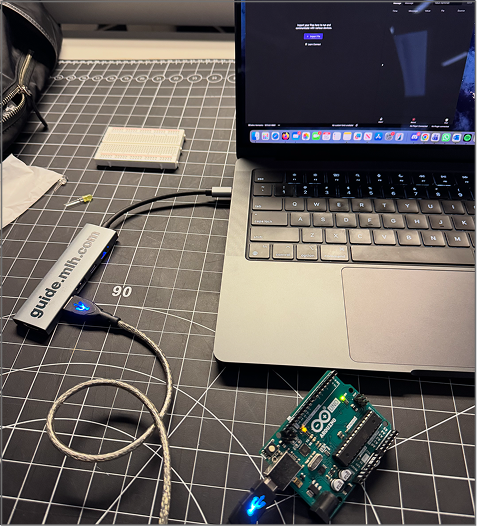
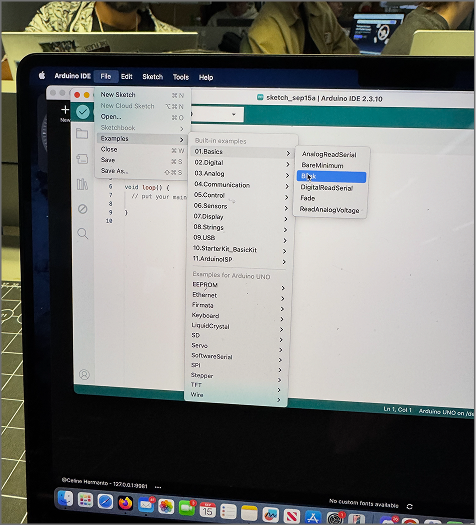
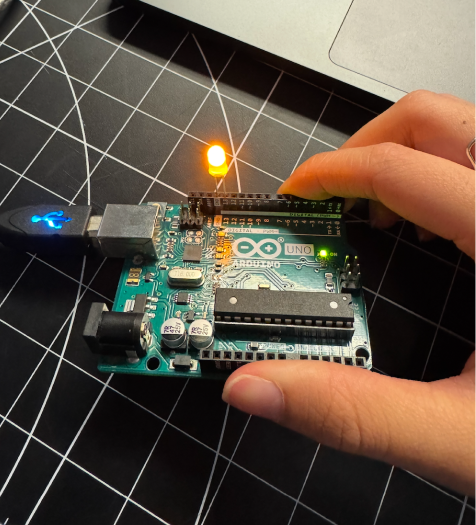
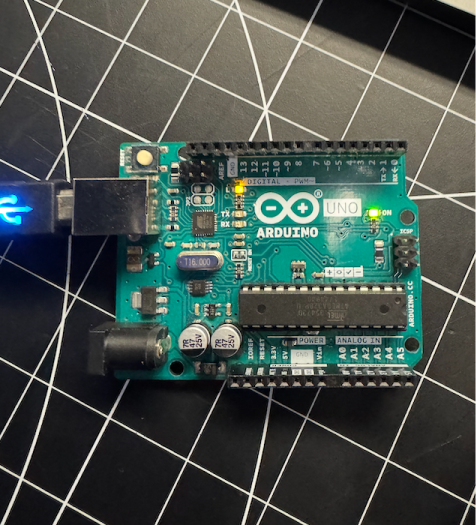
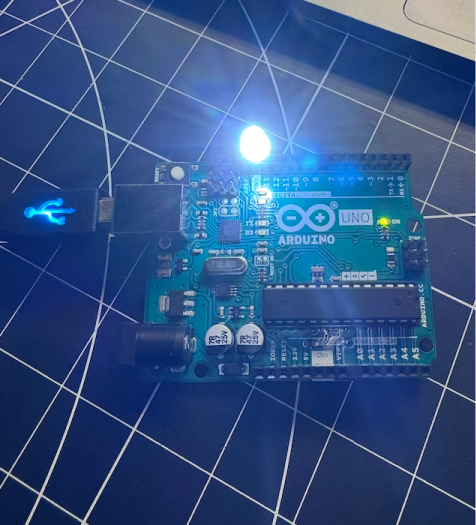
Learning how to connect simple arduino circuits and programming them to work with the Arduino IDE. Learning about the code through simple built in projects located in file, example, basics, blink which showcases the code and how to use it to make the LED blink. Connected a simple LED light to the arduino and programmed it to blink using the Arduino IDE. Experimenting with the blinking program through the built in light sensor in the Arduino IDE Changing the light source to different colors and seeing how the blinking affects the different colors, it was discovered some worked better than others.

Activity 2

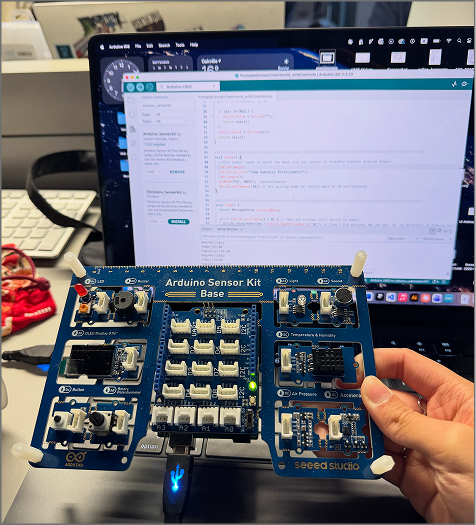
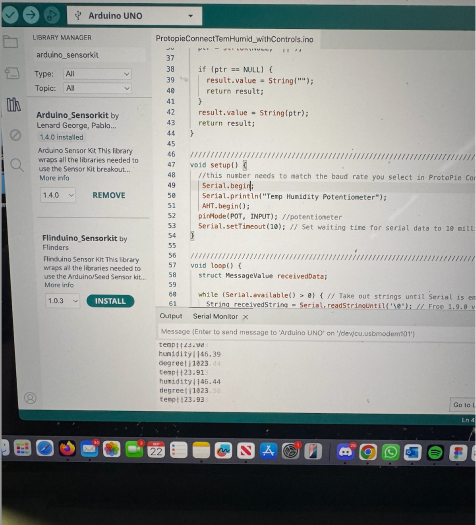
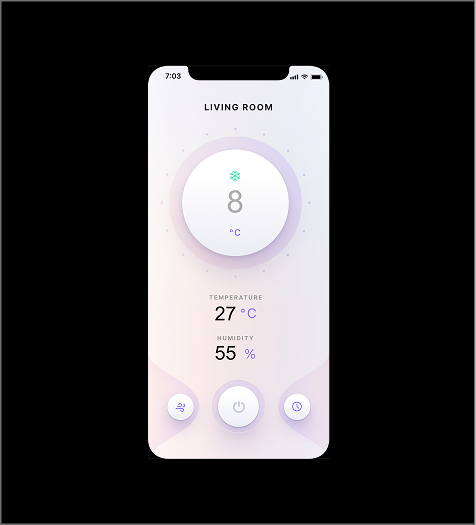
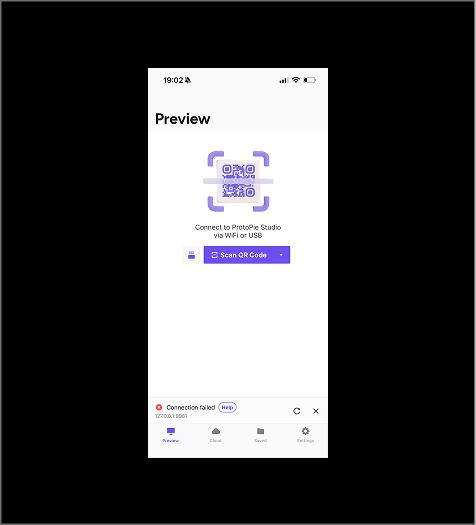
Experimenting with the Arduino Sensor kit and learning to program the different sensors to pick up data, visible in the serial monitor. Learning to pay attention to documentation and baud rate in order to get the sensors to work properly and pick up data. Connecting the different sensors to ProtoPie and get the UI to react to the data being picked up by the sensors, such as the humidity and temperaturesensor. Error occuring due to Protopie picking up the wrong IP address, causing the UI to not be able to be displayed on the phone. The error occuring due to Protopie picking up the wrong IP address, this was troubleshooted by restarting the application and fixing the 2 different IP address.

Activity 3

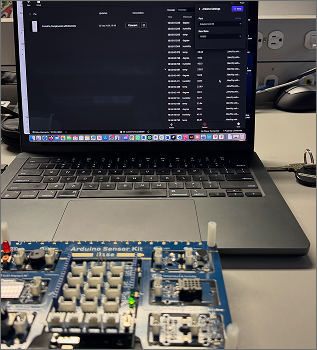
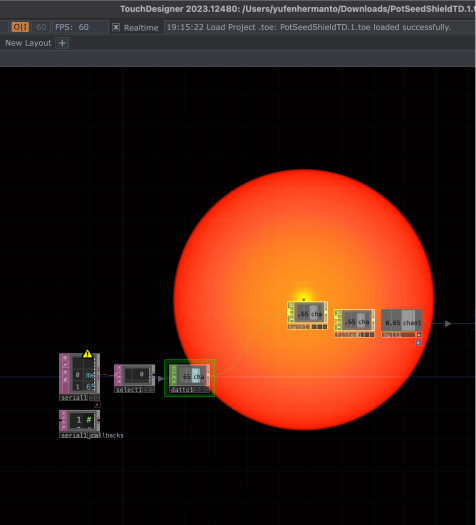
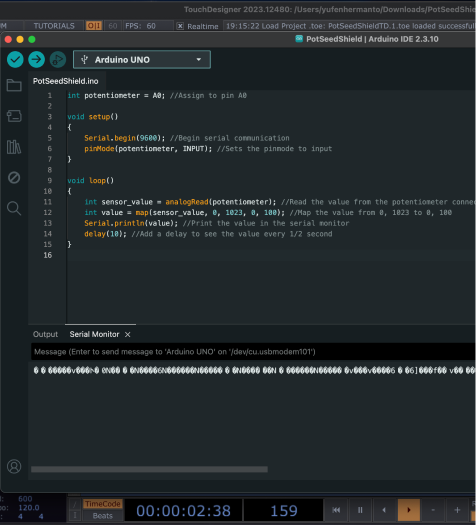
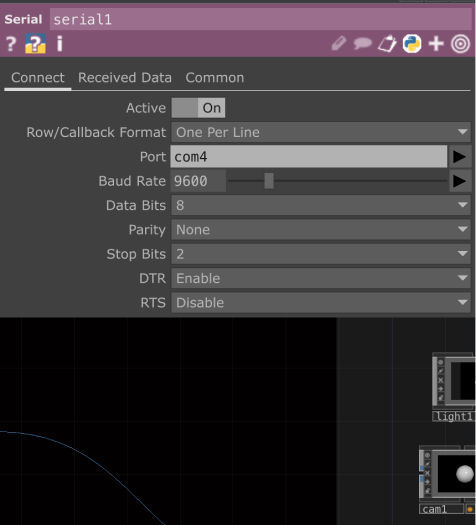
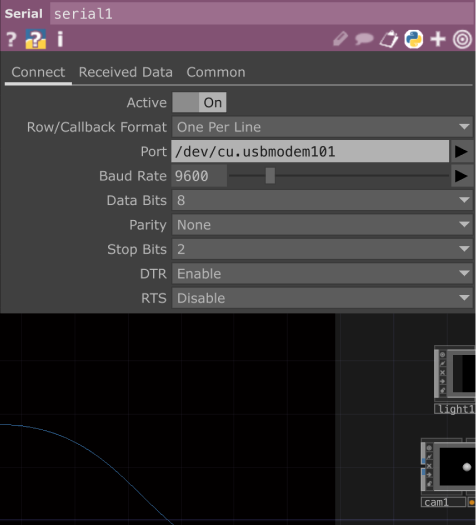
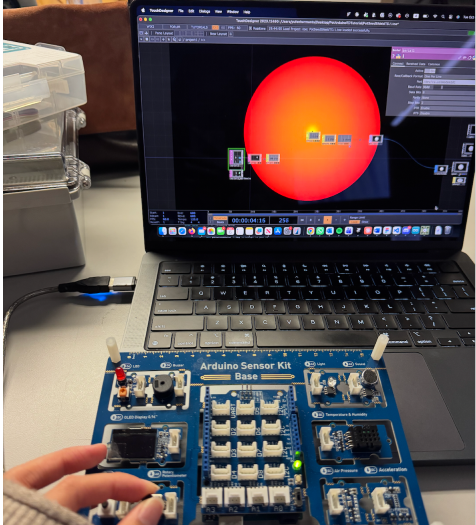
Learning how to connect Arduino Sensor Kit to Touch Designer and get the UI to react to the data being picked up by the sensors, such as the humidity and temperature sensor. Encountered error where Arduino Sensor Kit was unable to pick up data indicated in the serial monitor despite the baud rate being correct. This was troubleshooted by verifying the correct code then uploading the code again. Another error encountered where Touch Designer was unable to pick up the data being sent from the Arduino Sensor Kit. This was troubleshooted. Despite port being changed, graphic was still not reacting to the potentiometer. This was troubleshooted by restarting the application and reconnecting the Arduino Sensor Kit, additionally serial monito r was checked to ensure data was being picked up. Graphic eventually reacting to the potentiometer.

Research Activity


Consumer Trend Research

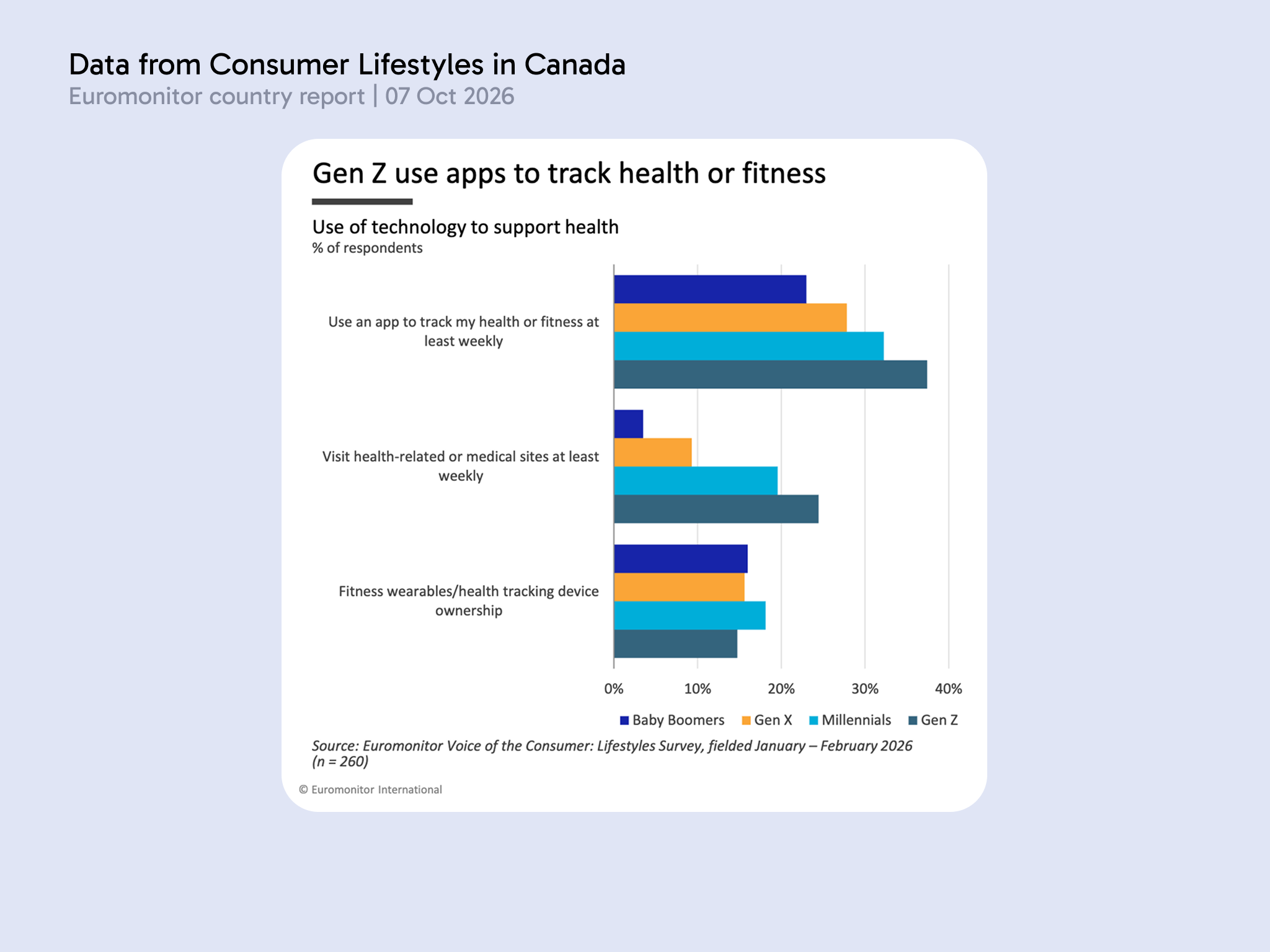
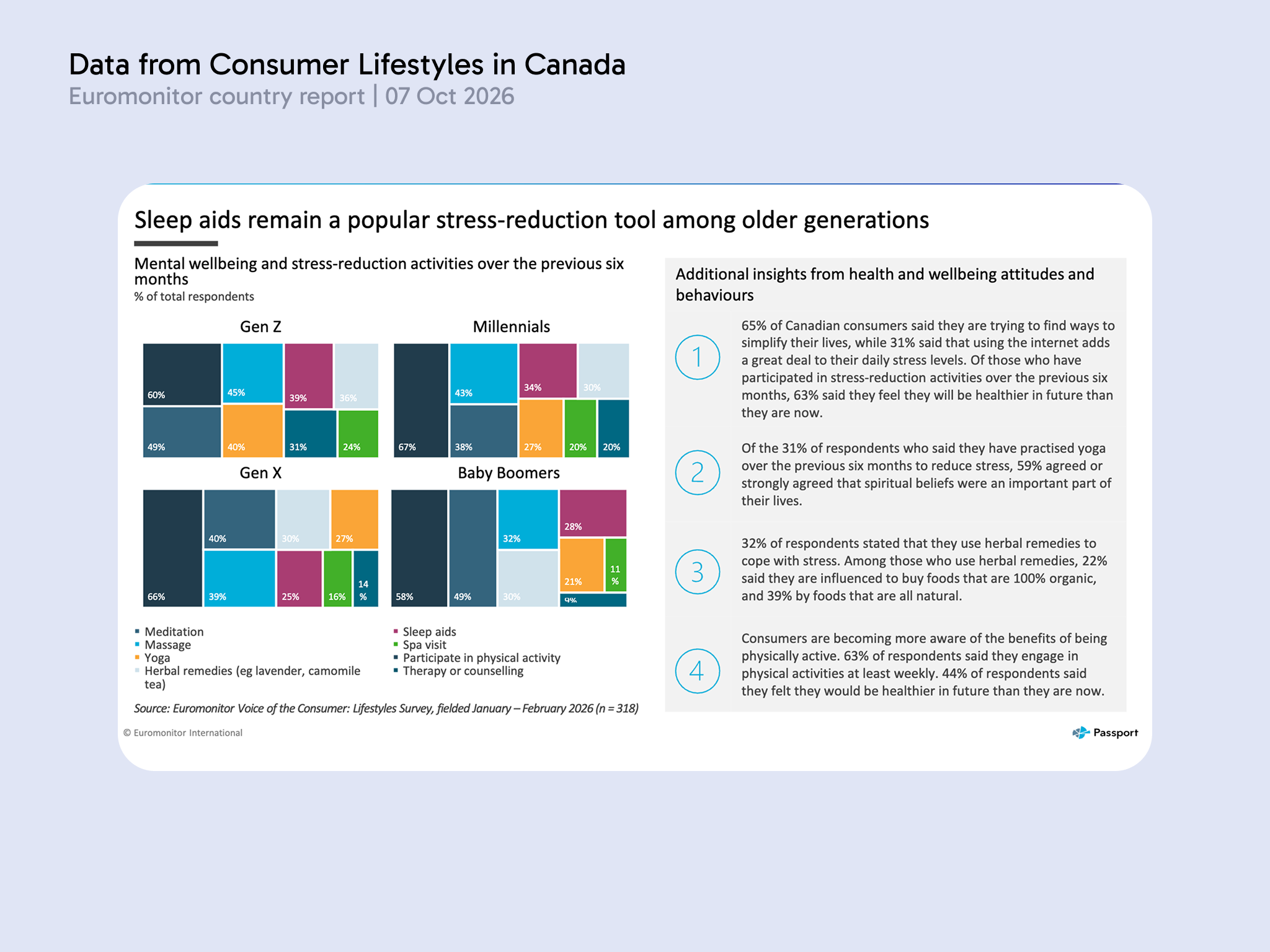
Data collected from Consumer Lifestyles in Canada | 7 Oct 2026

Consumer trends focused on researching the demographic of uses who regularly take medication, investigating the frequency of vitamin consumption, medication, and their attitude towards using technology in tracking their health data. The data is broken down by generation, encapsulating Gen Z, Millennials, Gen X, and Baby boomers.
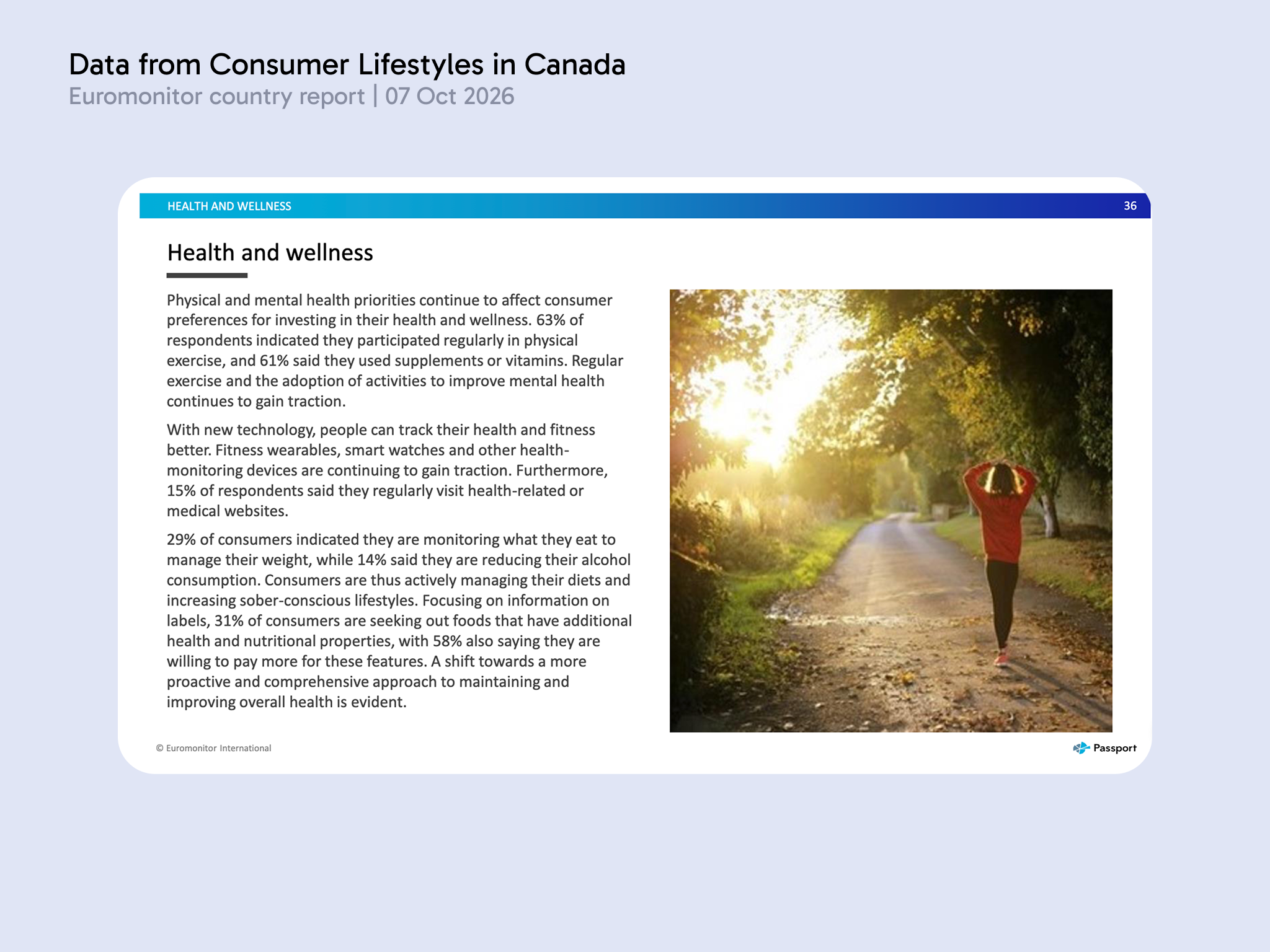
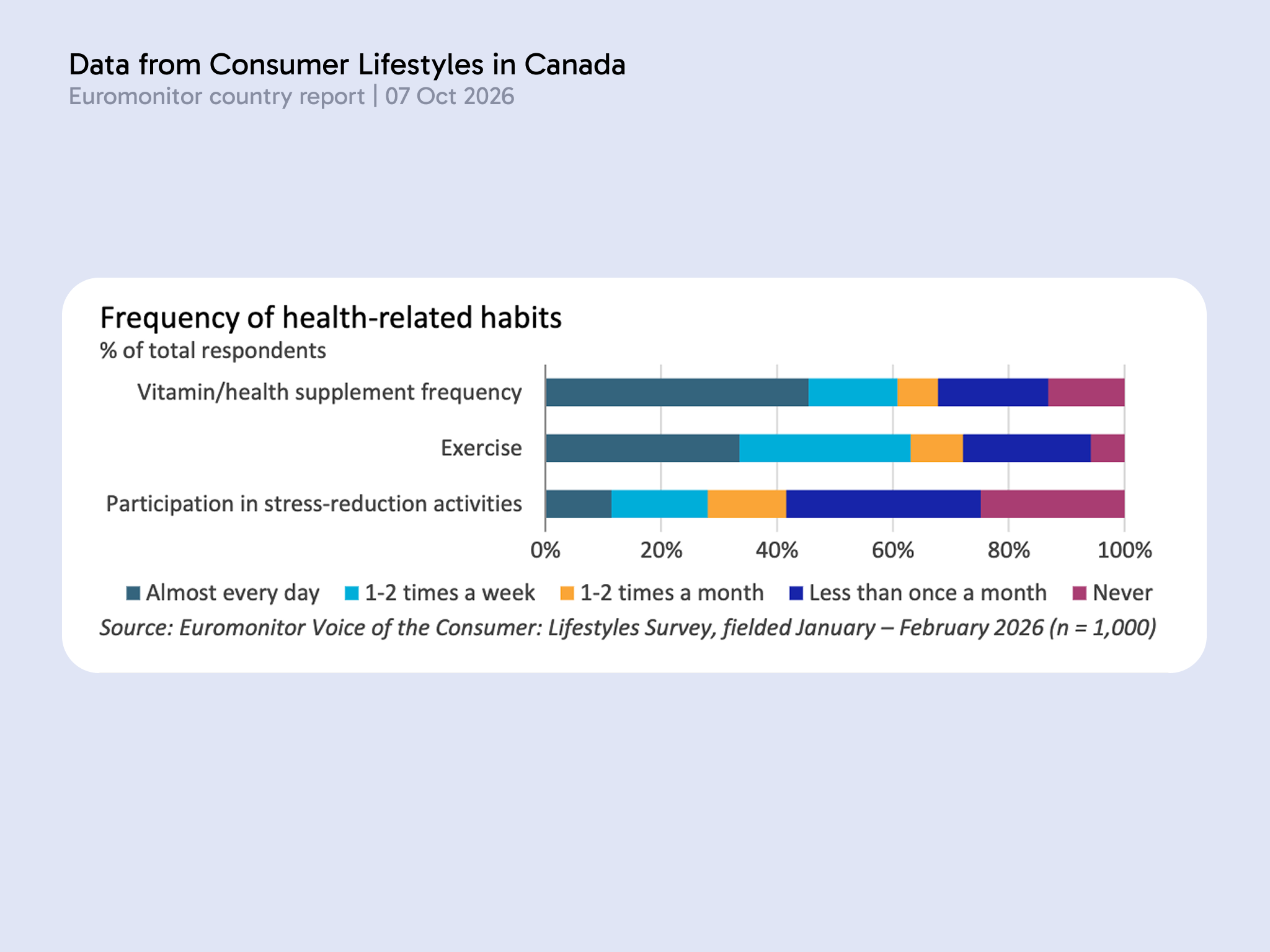
Consumer lifestyle health and wellness for Canada, published on October 7th 2026. It looks into the health and wellness habits of Canadians, including statistics on how many people take daily medication and vitamins. The data on how frequent users take medication and which demographic they’re from in order to find the target user base for the app we’re designing. About 61% consumers takes supplements at least weekly in Canada against 50% globally, indicating Canadian populations have adopted it into their habits more so than the general population.

Personas Research

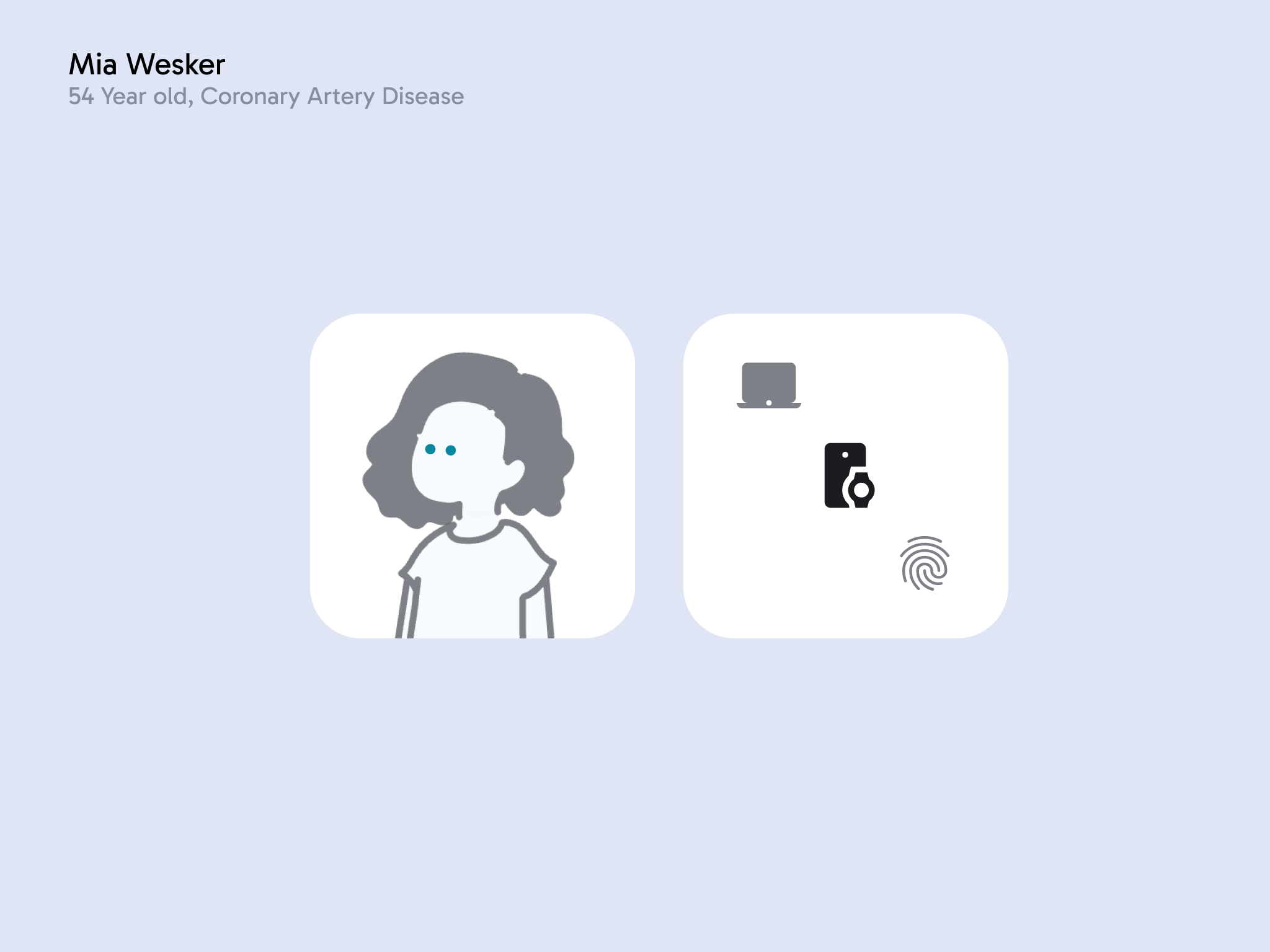
Mia Wesker, 54 Year old, Coronary Artery Disease

As an older person, Mia is resistant to technology as she doesn't want the added complication of learning about new terms while living with her chronic ilness. Additionally, over the years she has become dependant on her husband, Ethan. F. Wesker to remind her to take her medication everyday and fill in her numbered pill containers.
Mia has recently turned 54 years old and her health has taken on a downturn, she has developed coronary artery disease due to plaque buildup and has to take a very specific multi drug regimen every day. Traditionally she has used daily pill containers to keep track of her medication however oftentimes she confused and takes more or less than necessary. As a Gen X, Mia did not grow up with technology and has a general distrust of it. She often prefers doing things manually, due to an unwillingness to learn something she perceives as complicated. <br> This is supported by the data that only about 28% of Gen X use technology to assist in tracking their health and wellness. Mia is a part of the Gen X population who has not adopted technology to manage her health, she prefers to watch what she eats and drinks to reduce her plaque buildup. She relies on Ethan to make sure she takes the right medication. Mia has become more health conscious and only buys meals with less fatty content and health benefits. She values technology which is intuitive and simple to use, as she lacks the willingness to learn about more complex additions. The mail goal Mia is trying to accomplish is to track her medication consumption more accurately without relying too much on Ethan, she does not want to use the technology beyond its core functionality.

HMI Research

How might we create a technology assisted routine which is simple and easy to adopt into daily routines?
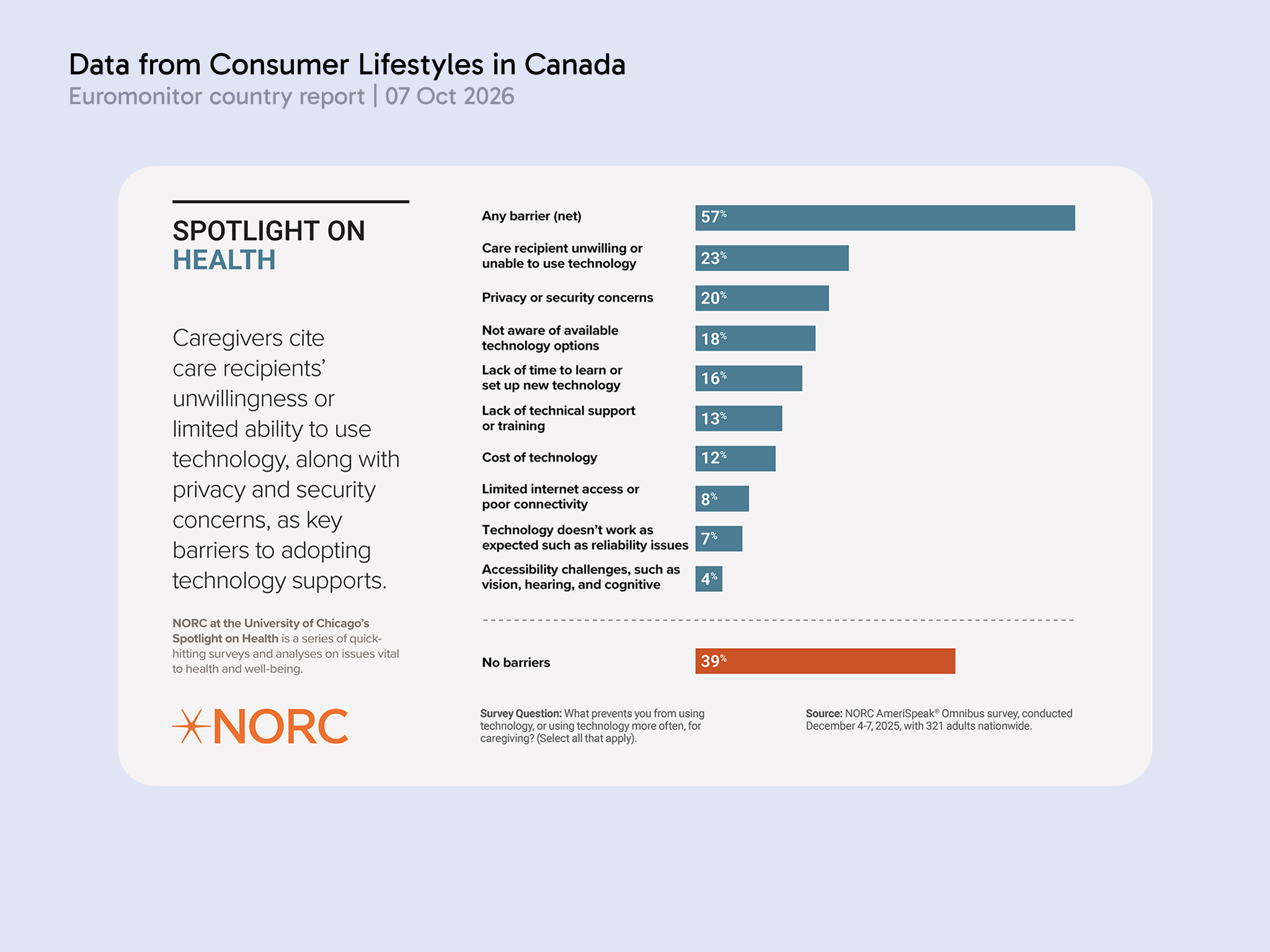
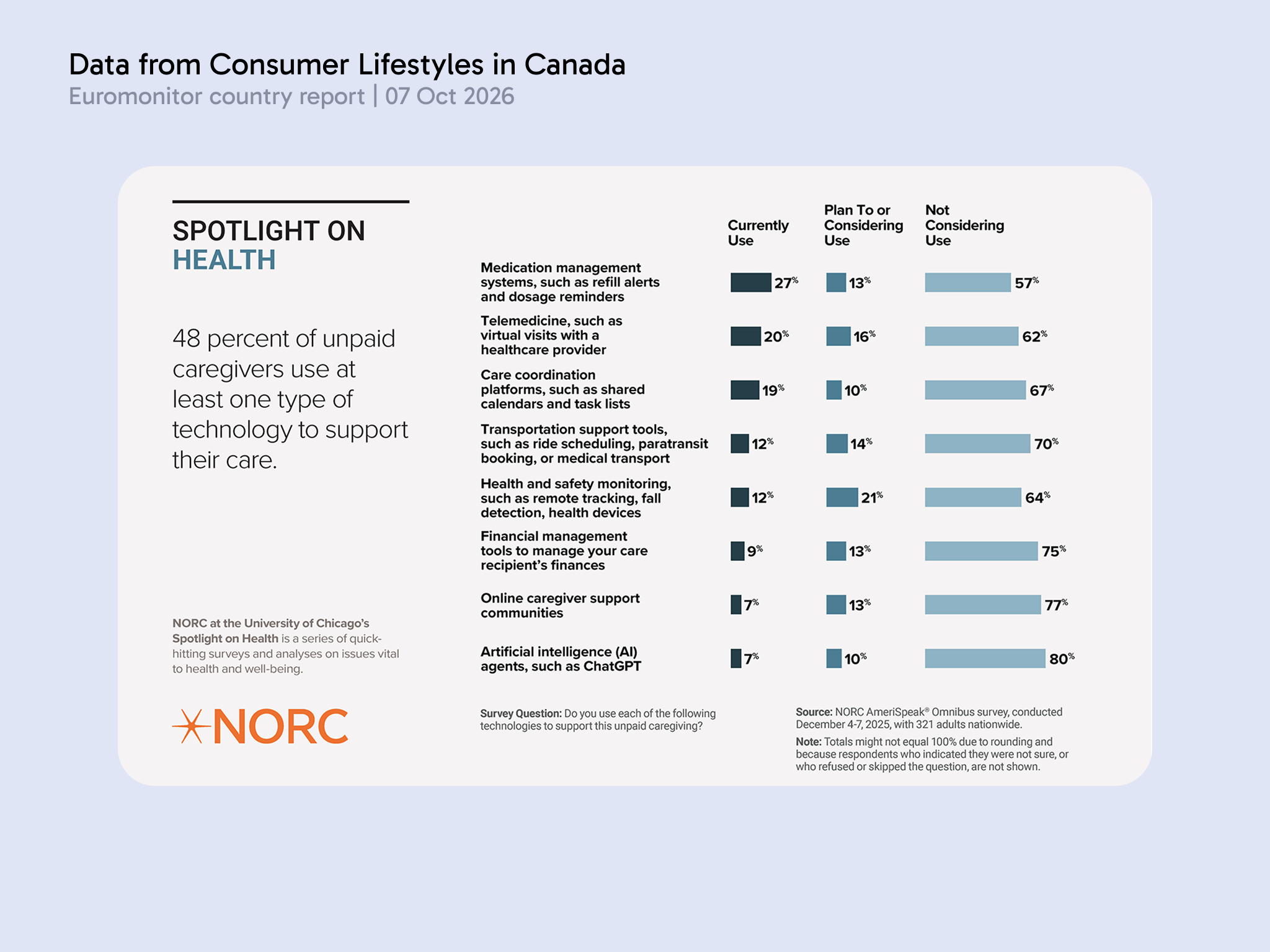
The data indicates the perceived complexity of health tracking technologies remains a significant barrier to adoption by older generations. Unpaid caregivers end up having to take the brunt of the mental load ensuring their loved ones are consuming the right medication and tracking their overall health. How might we create a technology assisted routine which is simple and easy to adopt into daily routines? How might we empower capable individuals to take charge over their health outcomes and lessen the mental load of unpaid caregivers?
Project Path

Creating a technology assisted routine which is simple and easy to adopt into daily routines, empowering capable individuals to take charge over their health outcomes and lessen the mental load of unpaid caregivers.
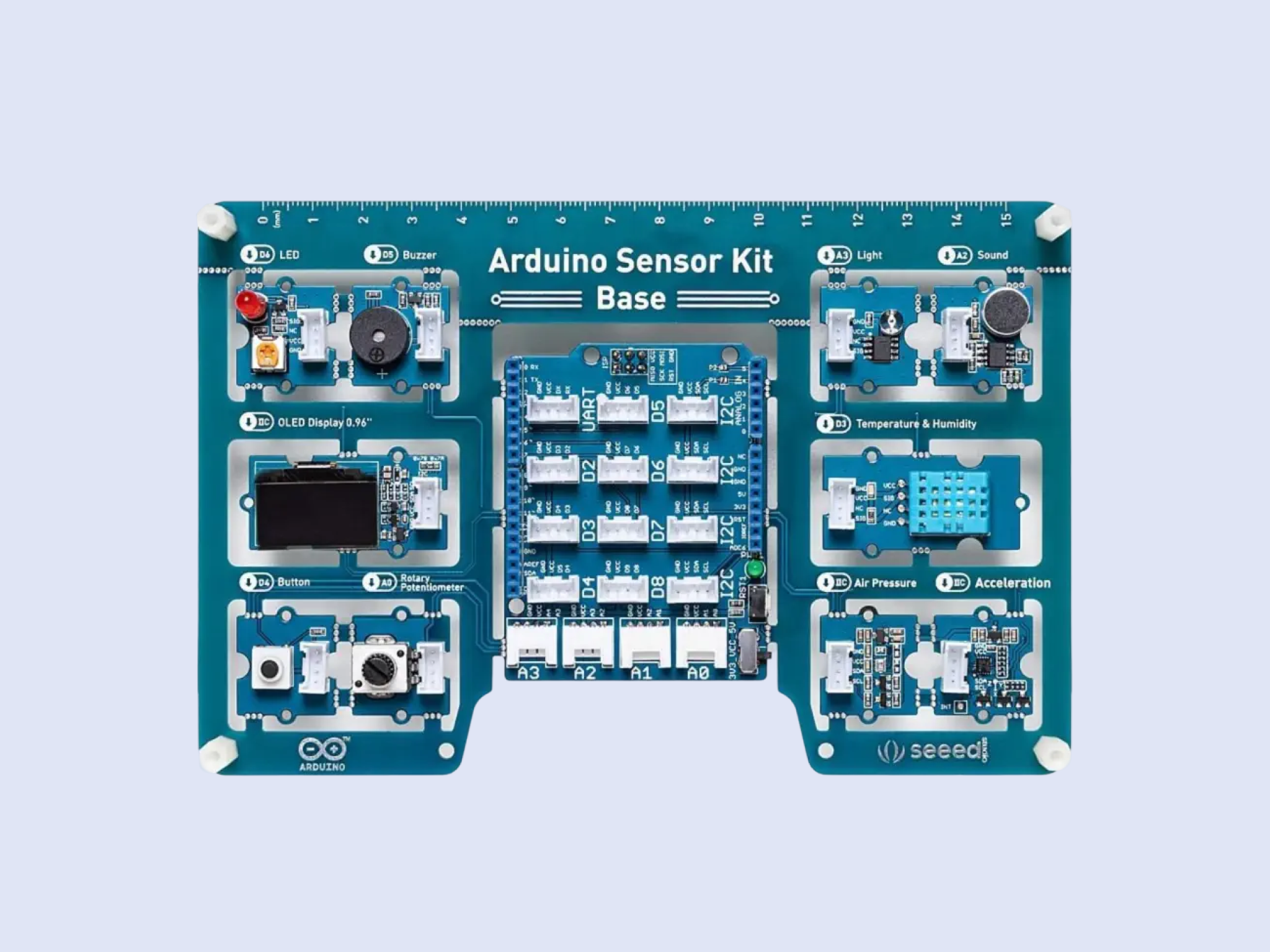
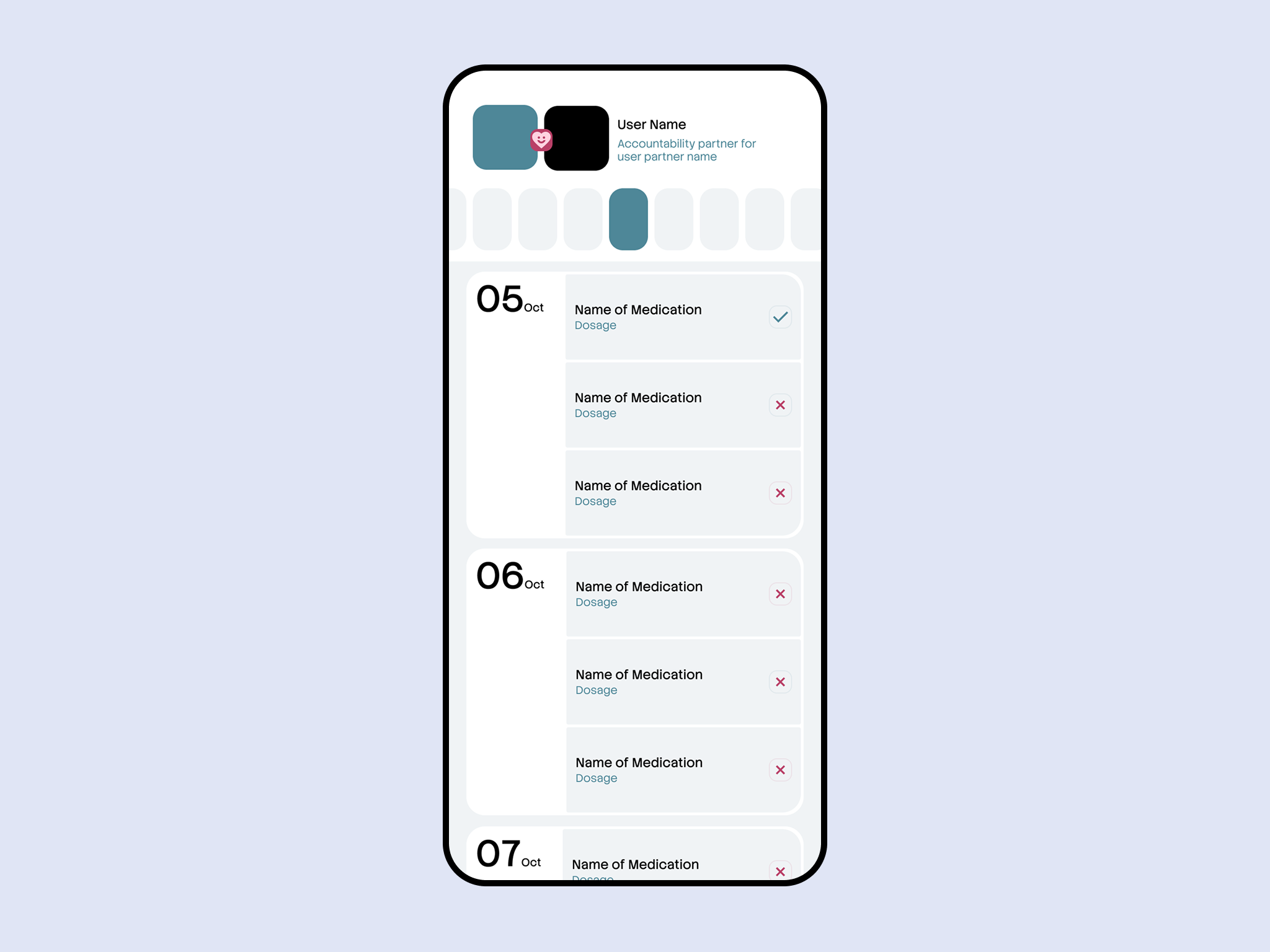
I’d want to work collaboratively, with this particular project as we’re able to design 2 different experiences from 2 different types of user trying to accomplish the same goal it is particularly fitting to create with another designer and see the potential solutions that come up when we share our knowledge together. An accountability partner app where a user can track their medication intake and the partner can also track their consumption. Smart Medication box, it tracks whether or not the user has taken medication based on changes in light, temperature, and humidity. This would be constructed with the help of the Arduino Sensor Kit and connected to a simple user interface for users to keep at their bedside table and simple integration into daily routines.

Project 1 Concept


Project 1 Concept

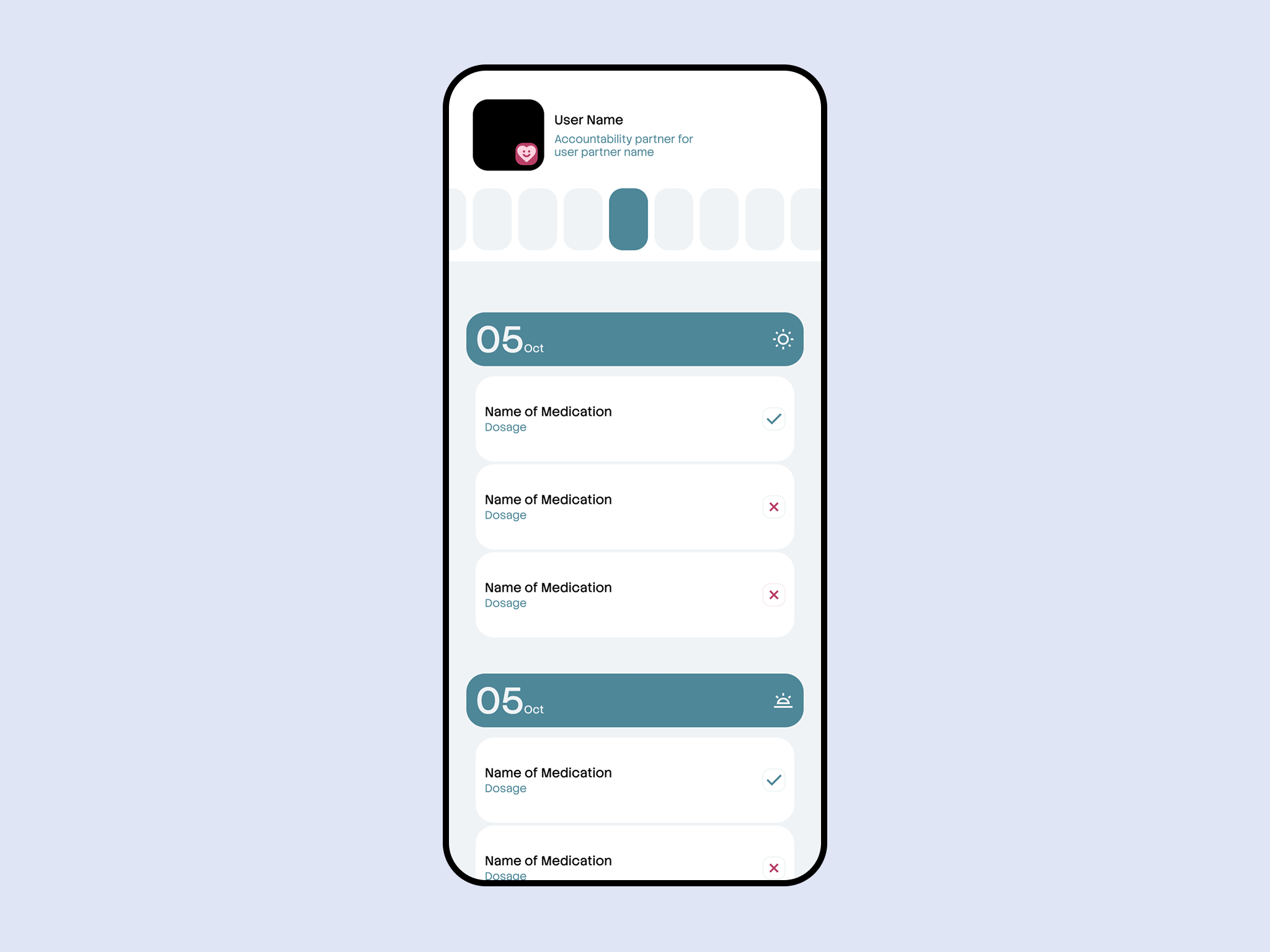
AN accountability partner system to ensure medications are still on track however requiring less mental load for the unpaid caregiver. The system will be able to track the medication consumption of the user. The system will also provide a way for the unpaid caregiver to check in on the user and ensure they are taking their medication correctly.
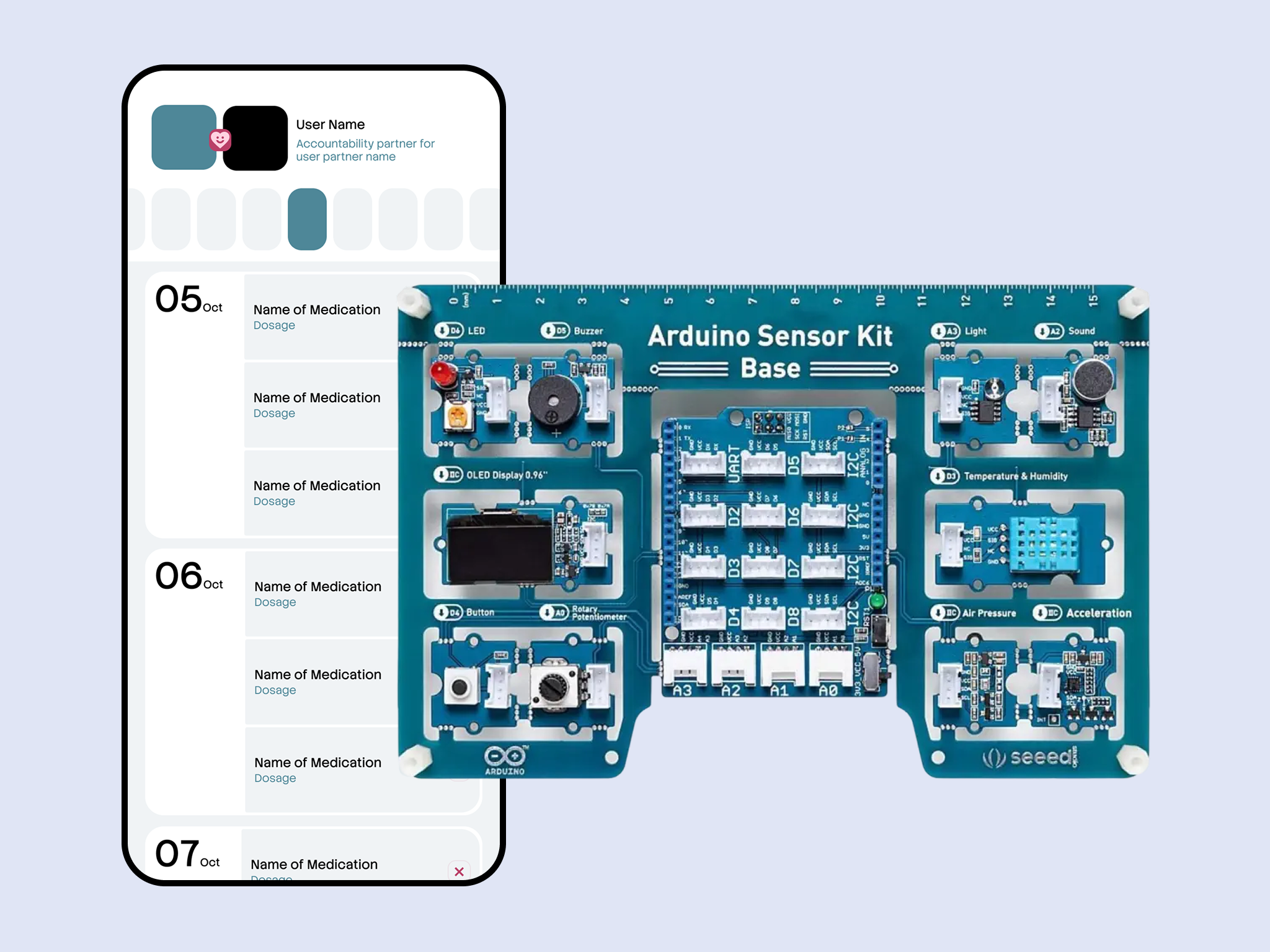
An accountability partner app where a user can track their medication intake and the partner can also track their consumption. This reduces their mental load and project can also utilize the Arduino sensor kit, particularly the potentiometer or buttons to indicate when the medication has been taken. This also limits the user’s interaction with the technology making it less intimidating to adopt.
×

Powered by w3.css